 how-to
Why Your Home Master Sounds Different Than Pro Masters
Last Updated: October 25, 2026
Quick Summary
Your home master sounds different from a professional studio master because the gap is rarely about plugins or presets. It comes down to what your room lets you hear, how you set levels, and how much processing the mix already needed. A home master is the final stereo file you finish yourself on your own setup before release.
- An untreated room hides low-end problems and fakes high-end brightness, so your monitoring environment lies to you.
- Pushing a limiter to match a loud reference crushes transients and flattens punch by reducing crest factor.
- Match perceived loudness before comparing your master to a reference, because louder always sounds better in a quick A/B.
- Check your master on studio monitors, a phone speaker, earbuds, and a car to confirm it translates.
- Leave headroom and bypass limiters and heavy master-bus compression before sending a mix for mastering.
Table of Contents
- The Real Reasons Your Home Master Sounds Different
- Why Does My Mix Sound Different on Different Speakers?
- Monitoring and Room Acoustics: What Untreated Rooms Hide
- DIY Mastering Mistakes That Widen the Gap
- Professional Mastering Engineer vs Automated Mastering
- How to Prepare a Mix for Mastering
- A Diagnostic Workflow: Level-Matched A/B and Translation Checks
- Book a Session and Hear the Difference
- Frequently Asked Questions
The Real Reasons Your Home Master Sounds Different
Your home master sounds different from a professional studio master because the gap is rarely about plugins or presets. It comes down to three things: what your room lets you hear, how you set levels, and how much processing the mix already needed.
Here is the part most guides get wrong. They blame the gear. In practice, the biggest differences show up in translation: the master sounds fine on your speakers and falls apart in a car or on earbuds.
Below, we break down what actually causes the gap and give you a repeatable way to close it.
Why Does My Mix Sound Different on Different Speakers?
A mix sounds different on different speakers because every playback system colors sound in its own way. Studio monitors aim for a flat response. Consumer speakers and headphones often boost bass or scoop the midrange. So the same file lands differently on each one.
This is called translation: how well a mix holds up across playback systems. It is the single best test of a master.
Common reasons a mix shifts from room to room:
- Bass buildup. Low end that sounds tight in one room turns muddy in another.
- Midrange masking. A crowded midrange hides vocals on small speakers.
- Harsh treble. High frequencies that seem smooth on soft speakers turn sharp on bright ones.
- Narrow stereo image. Elements pile up in the center and collapse on mono devices.
The fix starts with critical listening on more than one system. Check your master on studio monitors, a phone speaker, earbuds, and a car. If it holds up on all four, it translates.
Monitoring and Room Acoustics: What Untreated Rooms Hide
An untreated room hides problems in your low end and fakes problems in your high end. That is the core issue.
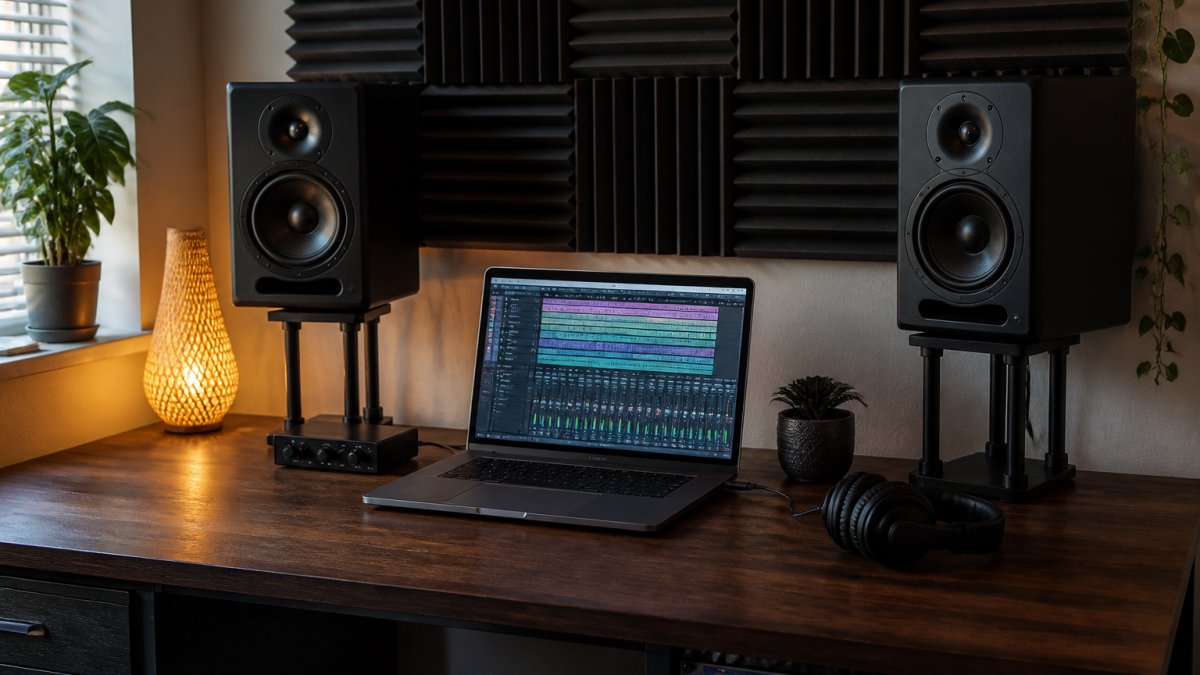
Standing waves build up in corners and along walls. Bass response turns uneven: boomy in one spot, thin a step away. High frequencies bounce off bare walls and create false brightness.
What helps:
- Treat first reflection points on the side walls and ceiling.
- Bass trap the corners to tame low-end buildup.
- Move your desk off the back wall and center it.
- Check your room with a measurement mic and test tones.
If you want a deeper look at how room sound shapes a master, our team covers it in the audio mastering and mixing article on room acoustics.
DIY Mastering Mistakes That Widen the Gap
The most common DIY mastering mistakes are over-limiting, mixing and mastering at the same time, and judging loudness by feel instead of by ear at matched levels.
Watch out: pushing a limiter hard to match a loud reference crushes transients and flattens punch. The track gets loud and lifeless. That is not a vague complaint, it is a measurable loss of crest factor, the difference between your peak level and your average level.
Here is what we see most often, and why each one matters:
- Over-compression on the master bus. A compressor with a fast attack and a low ratio seems gentle, but stacked across a full song it reduces dynamic range and depth. The fix is usually to ease off the master bus and let the mix's own bus compression do the work.
- Chasing loudness without level matching. Louder always sounds better in a quick A/B. If you do not match perceived loudness before comparing, you will keep turning up until clarity drops. Match first, then judge.
- No reference track. Mastering blind means no target for tonal balance. Pick two or three commercial releases in your genre and compare your master to them at matched loudness, not by memory.
- Mastering a weak mix. EQ and compression cannot fix a mix balance problem. If the vocal is buried or the low end is muddy in the mix, the master will only make those problems louder and more obvious.
- Single-system checks. One listen on one pair of speakers proves nothing. A master that sounds perfect on your monitors can collapse on a phone speaker or in a car.
- Saturating and stereo-widening by default. Saturation adds harmonics that can sound exciting on first listen but fatiguing over a full song. Stereo wideners can push the sides out of phase and cause mono compatibility problems. Use both sparingly and check in mono.
A common mistake is treating the mastering chain as a fix-all. It is not. The mastering chain shapes what is already there; it does not create balance that the mix never had.
Professional Mastering Engineer vs Automated Mastering
A professional mastering engineer and automated mastering solve different problems. Automated tools apply preset moves based on an algorithm. A mastering engineer makes judgment calls about your specific song, its genre, and where it will be heard.
Automated mastering is fast and cheap. It can get a rough demo closer to release-ready. But it cannot hear that your bridge needs a touch more presence, or that your low end will fall apart on a car system.
Here is what that judgment looks like in practice:
- EQ placement. A high-pass filter before the compressor changes how the compressor reacts to low end. The same filter after the compressor does something different. An engineer chooses the order based on the song, not a preset.
- Compression ratio and attack. A slow attack lets transients through and keeps punch; a fast attack controls them and can flatten the groove. The right choice depends on the genre and the performance.
- Limiter ceiling and true peak. Streaming platforms and CD have different true-peak tolerances. An engineer sets the ceiling to avoid inter-sample peaks that clip on playback, not just to hit a loudness number.
- Stereo processing. Mid/side EQ and width adjustments can open up a mix or collapse it in mono. An engineer checks mono compatibility before committing.
A human engineer brings critical listening, a treated room, and analog outboard gear that shapes tone in ways software struggles to copy. The trade-off is time and cost.
If you are weighing the two, our human mastering vs automated comparison walks through the results side by side.
How to Prepare a Mix for Mastering
To prepare a mix for mastering, leave headroom, remove master-bus processing, and export clean files at the session's native sample rate. A well-prepared mix gives the engineer room to work. A clipped, over-limited mix leaves nothing to shape.
Your mix preparation checklist:
- Pull the master fader down so peaks sit below clipping, with headroom to spare.
- Bypass limiters and heavy master-bus compression.
- Check the mix in mono for phase issues.
- Label and consolidate tracks if sending stems.
- Export at the session's native sample rate and bit depth.
Watch out: exporting an already-limited mix forces the engineer to work around your processing. That usually means a louder, flatter result. Send the clean version.
For a full walkthrough, see how to prepare a mix for mastering step by step.
A Diagnostic Workflow: Level-Matched A/B and Translation Checks
Use a level-matched A/B and translation check to find where your home master falls short. This is the workflow competitors skip, and it is the one that actually tells you what to fix.
Follow these steps:
- Match loudness. Compare your master to a reference at the same perceived loudness. Louder always sounds better, so match first.
- A/B the tonal balance. Does your low end match the reference? Is the midrange as clear?
- Check dynamic range. Does your master breathe, or is it squashed flat?
- Run translation tests. Play it on monitors, earbuds, a phone, and a car.
- Measure the delivery. Check your loudness and true peak against streaming targets before you upload.
| Check | What to Compare | Fix If It Fails |
|---|---|---|
| Loudness match | Your master vs reference at equal level | Rebalance, do not just turn up |
| Tonal balance | Low end, midrange, treble | Adjust EQ, revisit the mix |
| Dynamic range | Punch and depth | Ease off limiting and compression |
| Translation | Monitors, earbuds, phone, car | Fix what breaks first |
| Delivery | Loudness and true peak | Re-export to spec |
If translation keeps failing after these checks, the problem is usually in the mix, not the master. That is when a fresh set of ears pays off. Our guide to fixing mix translation issues covers the studio-to-car and headphone cases in detail.
Book a Session and Hear the Difference
Closing the gap between a home master and a professional one comes down to a treated room, trained ears, and honest translation checks. You can get partway there on your own. The last stretch is where experience and a proper monitoring environment matter.
At LB-Mastering Studios, our Latin GRAMMY Award-winning, 11x Billboard-charting engineer brings 44+ years of experience to every project. We master for CD, stem, and vinyl, using premium analog outboard gear in a dedicated facility.
Ready to hear your track at its best? Book a mastering session and let our team finish what you started. We offer Single Song Mastering, Stem Mastering, Album Mastering, Vinyl Mastering, and Mixing services.
Frequently Asked Questions
Why does my home master sound different from a professional master?
A home master is shaped by the room and speakers you monitor on, while a professional master is shaped in a treated room with reference-grade monitoring. Untreated rooms exaggerate bass and hide treble problems, so your EQ and compression decisions compensate for flaws that do not exist. Professional engineers also level-match comparisons and check translation on multiple playback systems before delivery, which keeps the tonal balance intact across consumer speakers, headphones, and car audio.
Can automated mastering sound as good as a professional mastering engineer?
Automated mastering can match loudness and apply broad tonal correction, but it cannot diagnose mix problems. It does not know that your low end is masking the kick, that a transient is poking out, or that your vocal needs a touch of presence. A professional mastering engineer vs automated mastering comparison usually comes down to judgment: a human hears the track in context, makes targeted moves, and checks the result on multiple systems before release.
How can I tell whether my master is too loud?
Compare your master to a reference track at matched perceived loudness, not matched fader position. If your version sounds flatter, has less punch, or the transients feel soft next to the reference, limiting is likely working too hard. Check dynamic range with a loudness meter and listen for distortion on dense sections. If the mix collapses when you push level, pull the limiter back and fix the mix balance instead.
What should I send a mastering engineer?
Send a stereo mix at the same sample rate as your session, with no limiter or master bus processing, and leave 3 to 6 dB of headroom. Include notes on the sound you want, reference tracks you like, and any version of the mix you have been listening to. If you are unsure whether to send stems or a stereo file, ask first. For stem mastering, label each stem clearly and keep them aligned to the same start point.
Your mix deserves a master that holds up everywhere it plays. Get started with LB-Mastering Studios and hear your music reach its full potential.