 how-to
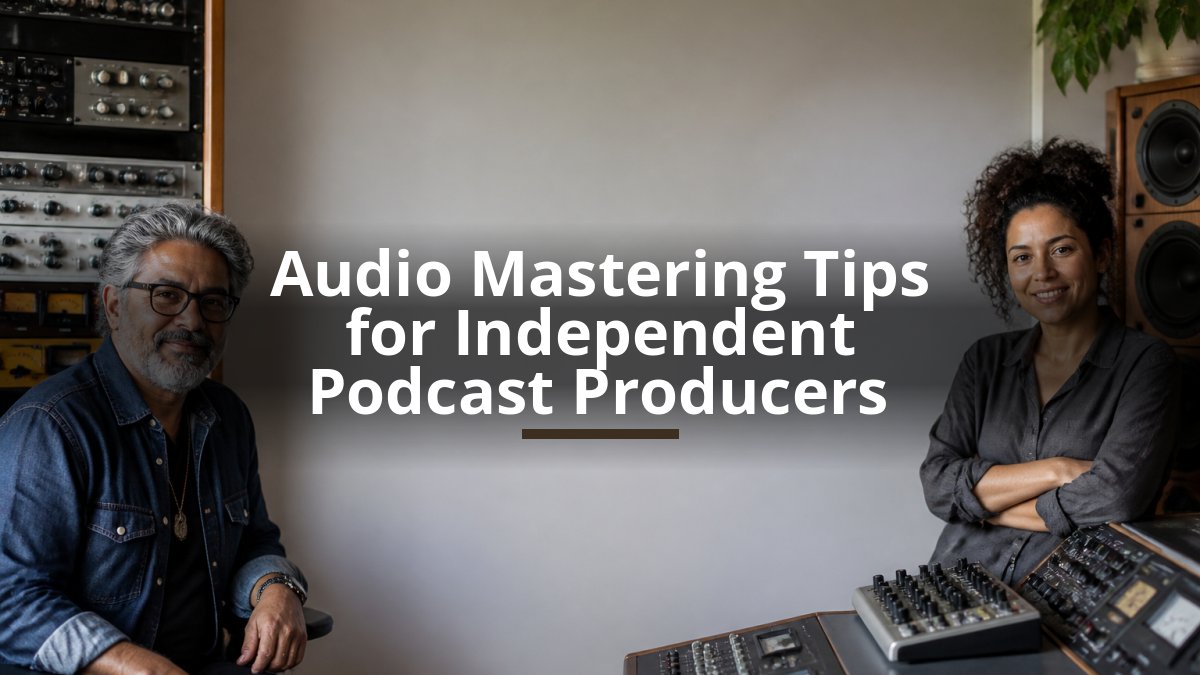
Audio Mastering Tips for Independent Podcast Producers
Last Updated: October 23, 2026
Quick Summary
Audio mastering tips for independent podcast producers start with understanding that mastering is the final step transforming a mixed podcast into a polished product optimized for clarity, loudness, and compatibility with streaming services. Key areas include noise reduction, vocal clarity, tonal balance, and loudness optimization to -16 LUFS, ensuring your podcast sounds consistent across all playback systems.
- Master to -16 LUFS with true peaks no higher than -1 dB for compatibility across all podcast platforms
- Use gentle EQ adjustments of 2-3 dB per band and compression at 2:1 to 4:1 ratio to avoid over-processing
- Apply a consistent mastering chain to every episode including high-pass filter, EQ, compression, and limiting
- Verify your mastered podcast on multiple playback systems including earbuds, car speakers, and phone speakers
- Consider professional mastering when you lack treated room monitoring, specialized equipment, or objectivity after production
Table of Contents
- What Audio Mastering Actually Does for Your Podcast
- How to Improve Podcast Audio Quality Through Mastering
- Podcast Loudness Standards and Optimization
- Podcast EQ and Compression Settings for Professional Sound
- Podcast Audio Export Settings for Maximum Compatibility
- Building Your Mastering Workflow: A Repeatable Process
- Common Mastering Mistakes Independent Producers Make
- When to Outsource Your Audio Mastering
- Frequently Asked Questions
What Audio Mastering Actually Does for Your Podcast
Audio mastering tips for independent podcast producers start with understanding what mastering actually accomplishes. Mastering optimizes your final stereo mix for clarity, loudness, and compatibility with streaming services, downloads, and physical formats. Explore a deeper dive into high-fidelity podcast mastering techniques to understand advanced approaches.
At LB-Mastering Studios, we've worked with independent producers for over 44 years. A properly mastered podcast sounds consistent on earbuds, car speakers, phone speakers, and studio monitors. Without mastering, your podcast will sound thin on some devices and distorted on others.
The core job of mastering is threefold: optimize loudness to match platform standards, fix any remaining tonal imbalances, and add the final layer of clarity and presence that makes a podcast sound professional. The Audio Engineering Society's guidelines on mastering emphasize that mastering requires a fresh set of ears, proper monitoring, and acoustic treatment, exactly what independent producers often lack in home studios.
How to Improve Podcast Audio Quality Through Mastering
Improving podcast audio quality through mastering requires tackling four areas: noise reduction, vocal clarity, tonal balance, and loudness optimization.
Noise Reduction and Audio Cleanup
Noise reduction is where mastering begins. Most independent podcasts contain background hum, room noise, or clicks that mixing alone can't fix.
Start by identifying the noise floor in your recording. Room tone, computer fan noise, and electrical hum are the usual culprits.
Common mistakes include over-processing during cleanup.
For independent producers in untreated spaces, record during quiet hours and use a pop filter and quality microphone to minimize noise at the source.
Vocal Clarity and Presence
Vocal clarity and presence separate amateur podcasts from professional ones. This is where audio mastering tips make the biggest difference in listener engagement.
Clarity means the voice cuts through without harshness; presence means the listener feels like the speaker is in the room. Both require careful equalization and compression during mastering.
A common mistake is adding too much presence peak in the 2-4 kHz range, which sounds aggressive and fatiguing over long sessions. Add presence in the 5-8 kHz range instead, which sounds natural and energetic, where most professional podcasts sit. Refining these high-frequency adjustments helps maintain the clarity required for a professional voice-over recording, ensuring that your vocal delivery remains polished and consistent across every episode.
For remote guests and multi-speaker shows, consistency is critical. Each voice should have similar perceived loudness and presence. The Audio Engineering Society's resources on vocal production highlight that professional vocal mastering requires matching tonal characteristics across different recording conditions.
Podcast Loudness Standards and Optimization
Podcast loudness standards ensure your show sounds consistent across platforms. Spotify, Apple Podcasts, YouTube, and other services use loudness normalization, so your podcast will be automatically turned down if it's too loud.
Most podcast platforms normalize to -16 LUFS (Loudness Units relative to Full Scale). Master to -14 LUFS and the platform will reduce it, potentially making it sound compressed and dull; master to -18 LUFS and it will be turned up, which can introduce distortion.
The mastering process involves:
- Measuring integrated loudness (the average over the entire episode)
- Checking true-peak levels to prevent digital clipping
- Applying limiting to catch peaks without over-compressing the body of the content
A repeatable workflow is to master to -16 LUFS with true peaks no higher than -1 dB. This gives you headroom and ensures compatibility across all platforms. Loudness standards from the International Telecommunication Union provide detailed technical specifications, but the practical takeaway for independent producers is simple: aim for -16 LUFS and test on your target platforms.
Podcast EQ and Compression Settings for Professional Sound
Professional podcast sound requires deliberate equalization and compression, the core tools of audio mastering.
Equalization Techniques for Tonal Balance
Equalization adjusts the frequency balance of your podcast. Most independent podcasts suffer from thin, tinny voices or muddy, bass-heavy audio. Mastering EQ fixes both.
Use a gentle high-pass filter starting around 50 Hz to remove rumble and room noise without affecting the voice. Then address the problem area:
- Thin voices: gentle boost around 200-300 Hz for warmth
- Muddy voices: reduce around 200-300 Hz slightly
- Lacking presence: gentle peak around 3-5 kHz
The key word is gentle: most mastering EQ uses small adjustments, typically 2-3 dB per band. Large moves sound unnatural and fatiguing.
For multi-speaker shows, apply the same EQ curve to all voices. A mastering chain lets you apply the same processing to every episode, ensuring your podcast sounds like itself, not a different show each week.
Compression and Dynamic Range Control
Compression controls dynamic range, the difference between the loudest and quietest parts of your podcast.
Compression solves this by automatically reducing volume when the signal gets too loud. A practical mastering setting is:
- Ratio: 2:1 to 4:1 (gentle to moderate)
- Threshold: set so compression engages on the loudest peaks
- Attack: 10-30 ms (fast enough to catch peaks, slow enough to preserve dynamics)
The goal is to even out levels so the listener hears every word clearly, not to squash the life out of the audio.
A common mistake is too much makeup gain after compression. If you compress 3 dB, add back only 2 dB, leaving 1 dB of headroom to prevent distortion.
Professional podcast mastering relies on specific equalization and compression adjustments tailored to common voice problems.
| Problem | Frequency Range | Solution |
|---|---|---|
| Thin voices | 200-300 Hz | Gentle boost for warmth |
| Muddy voices | 200-300 Hz | Slight reduction |
| Lacking presence | 3-5 kHz | Gentle peak |
| Harsh voices | 8-10 kHz | Reduction |
| Room rumble | Below 50 Hz | High-pass filter |
| Inconsistent dynamics | Full range | Compression at 2:1 to 4:1 ratio |
Podcast Audio Export Settings for Maximum Compatibility
Export settings determine whether your mastered podcast sounds good everywhere. Independent producers often export incorrectly, losing quality or creating compatibility issues.
The standard export format for podcasts is:
- File type: MP3 or WAV
- Bit rate: 128 kbps (MP3) or 24-bit/44.1 kHz (WAV)
- Mono or stereo: Stereo for music, mono for voice-only content
For maximum compatibility, export a master file at 24-bit/44.1 kHz WAV. This is your archive copy. Then create platform-specific versions:
- Spotify and Apple Podcasts: MP3, 128 kbps, stereo
- YouTube: MP3, 192 kbps, stereo
- Your website: Both MP3 (128 kbps) and WAV (24-bit) for download
Avoid exporting at sample rates higher than 44.1 kHz for podcasts.
Check your export levels before uploading. The peak should never exceed -1 dB, and the integrated loudness should measure -16 LUFS. Use a loudness meter plugin to verify before publishing.
Building Your Mastering Workflow: A Repeatable Process
A repeatable mastering workflow ensures consistency across all episodes. Independent producers who skip this step often find their podcasts sound different week to week, confusing listeners and damaging perceived quality.
Setting Up Your Monitoring Environment
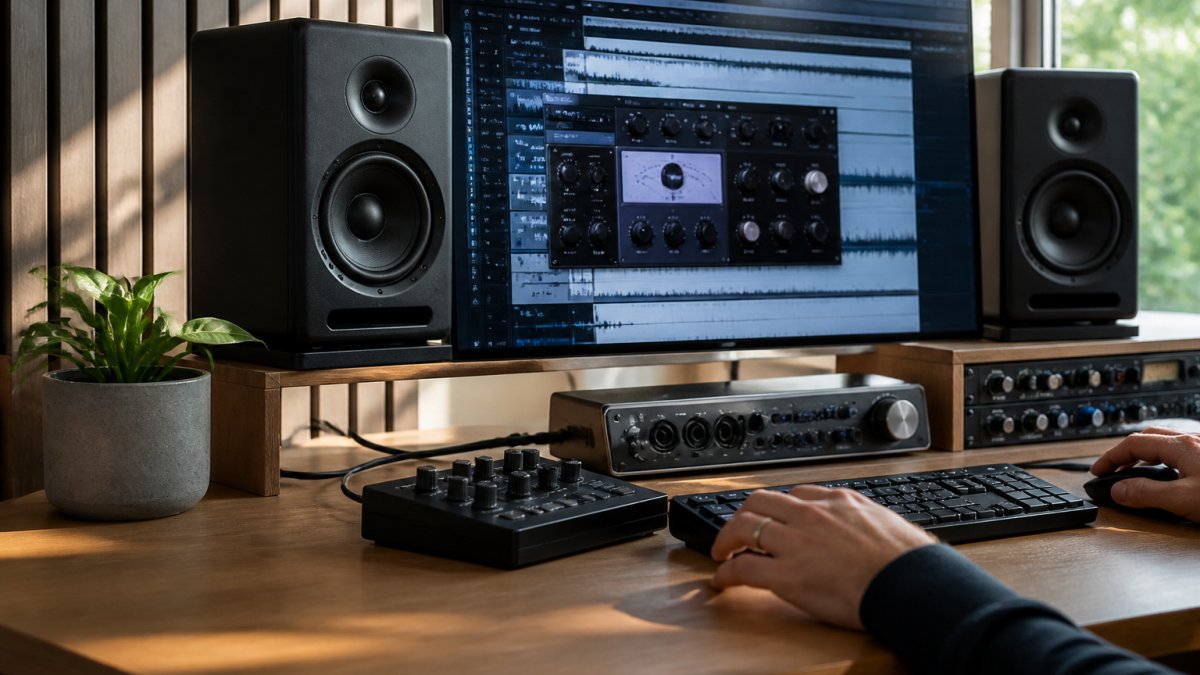
Your monitoring environment is the foundation of mastering. You cannot master accurately on headphones or cheap speakers.
If you're mastering at home, invest in a pair of quality studio monitors positioned at ear level, forming an equilateral triangle with your listening position.
A practical alternative is to master in a treated space and then verify your mix on multiple playback systems: earbuds, car speakers, and phone speakers.
Creating a Consistent Mastering Chain
A mastering chain is a series of plugins or hardware units applied in the same order to every episode.
A basic mastering chain for podcasts includes:
- High-pass filter to remove rumble below 50 Hz
- Gentle EQ to address tonal imbalances
- Compression to even out dynamics
- Limiting to catch peaks and prevent clipping
- Metering to check loudness and true peaks
Learn the essential foundational steps for professional audio mastering to build a complete workflow from start to finish.
Apply this chain to every episode in the same order. Save it as a preset so you don't have to rebuild it each week.
For independent producers, professional mastering resources from the Audio Engineering Society recommend documenting your chain settings so you can replicate them if you change equipment or software.
Common Mastering Mistakes Independent Producers Make
Independent producers make predictable mistakes that undermine audio quality.
Over-compression is the most common error.
Mastering on untreated headphones leads to decisions that don't translate to other playback systems.
Ignoring the loudness standard wastes effort.
Not checking true-peak levels can cause clipping on some platforms.
Using the same settings for every voice creates inconsistency in multi-speaker shows.
Skipping the reference check means you don't know if your mastering actually improved the mix.
When to Outsource Your Audio Mastering
Outsourcing mastering to a professional makes sense when you lack the equipment, training, or time to do it well.
The case for outsourcing is strong:
- Professional mastering engineers have treated rooms and accurate monitoring
- They bring objectivity, your ears are tired from producing and mixing
- They have specialized knowledge of platform loudness standards
A professional mastering engineer will also discuss your podcast's goals and target platforms before mastering, ensuring the final product matches your vision.
The case for DIY mastering is limited:
- Cost savings (though professional mastering is often cheaper than you think)
- Full creative control (though this can be a liability if you lack objectivity)
- Learning experience (valuable, but time-consuming)
Many independent producers find a hybrid approach works best: handle mixing yourself, then send the final stereo mix to a professional mastering engineer. Book professional mastering services when ready to outsource to experienced engineers.
When you're ready to move from DIY mastering to professional quality, consider working with a mastering engineer. We offer mastering services customized for CD, stem, and vinyl formats. Get started with a free sample master to hear the difference professional mastering makes for your show.
Frequently Asked Questions
What's the difference between mixing and mastering a podcast?
Mixing balances individual tracks, voices, music, sound effects, and adjusts their levels, EQ, and effects. Mastering takes that final mix and optimizes it for playback across all devices: earbuds, car speakers, studio monitors, and phone speakers. Mastering ensures loudness consistency, frequency balance, and that your podcast sounds professional on every platform. Most independent producers benefit from both steps, though mastering is the critical final quality gate.
What loudness level should a podcast master target?
Podcasts typically target -16 LUFS (loudness units relative to full scale) for perceived loudness on streaming platforms like Spotify and Apple Podcasts. This standard prevents excessive loudness that can cause listener fatigue and ensures your episode doesn't sound quieter than competitors. True peak levels should stay below -1 dBFS to prevent distortion during playback and transmission. These targets balance audibility with dynamic range preservation, keeping your voice present without over-compression.
How do I reduce background noise without making voices sound unnatural?
Use gentle noise reduction during mastering rather than aggressive removal. Identify the noise profile during silent passages, then apply reduction at a threshold that removes the hum or hiss without stripping texture from vocal frequencies. Compression and EQ applied carefully during mastering can also mask residual noise by enhancing voice presence in the 2-5 kHz range. If noise is severe, address it during mixing or recording. The goal is clarity without the artificial, over-processed sound that aggressive noise gates create.
What audio format should I export a podcast in for mastering?
Export your final mix as a WAV file at 24-bit depth and 48 kHz sample rate (or 44.1 kHz if your DAW recorded at that rate). WAV preserves audio quality without lossy compression, and 24-bit gives mastering engineers headroom to work with dynamic range. Avoid MP3 or compressed formats during mastering; reserve those for final distribution. If you're sending stems for stem mastering, export each track (voice, music, effects) as separate 24-bit WAV files so the engineer can rebalance and optimize each element independently.