
 how-to
Stem Mastering for Spoken Word: Why It Matters
Table of Contents
- What Stem Mastering Is and Why Spoken Word Needs It
- Stereo Mastering vs Stem Mastering: Key Differences
- How to Prepare Stems for Mastering
- Stem Mastering for Podcasts and Spoken Content
- WAV Stems for Audio Mastering: Best Practices
- Five Key Benefits of Stem Mastering for Spoken Word
- When Spoken-Word Projects Benefit Most From Stem Mastering
- Getting Started With Professional Stem Mastering
- Frequently Asked Questions
Last Updated: October 6, 2026
What Stem Mastering Is and Why Spoken Word Needs It
Stem mastering spoken word means mastering individual tracks or groups of tracks separately rather than from a single stereo mix.
Each element gets its own attention: voiceover stays intelligible, music sits at the right level, and effects land with impact. That separation is what makes stem mastering spoken word so powerful for podcasts, audiobooks, and narrated content.
Stereo Mastering vs Stem Mastering: Key Differences
The difference comes down to control.
Stem mastering splits audio into separate stems, dialogue, music bed, sound effects, processed independently before blending back together, because a compression setting that helps dialogue can ruin music's dynamics.
For spoken word, intelligibility is non-negotiable, every word must be understood, even in noise.
How to Prepare Stems for Mastering
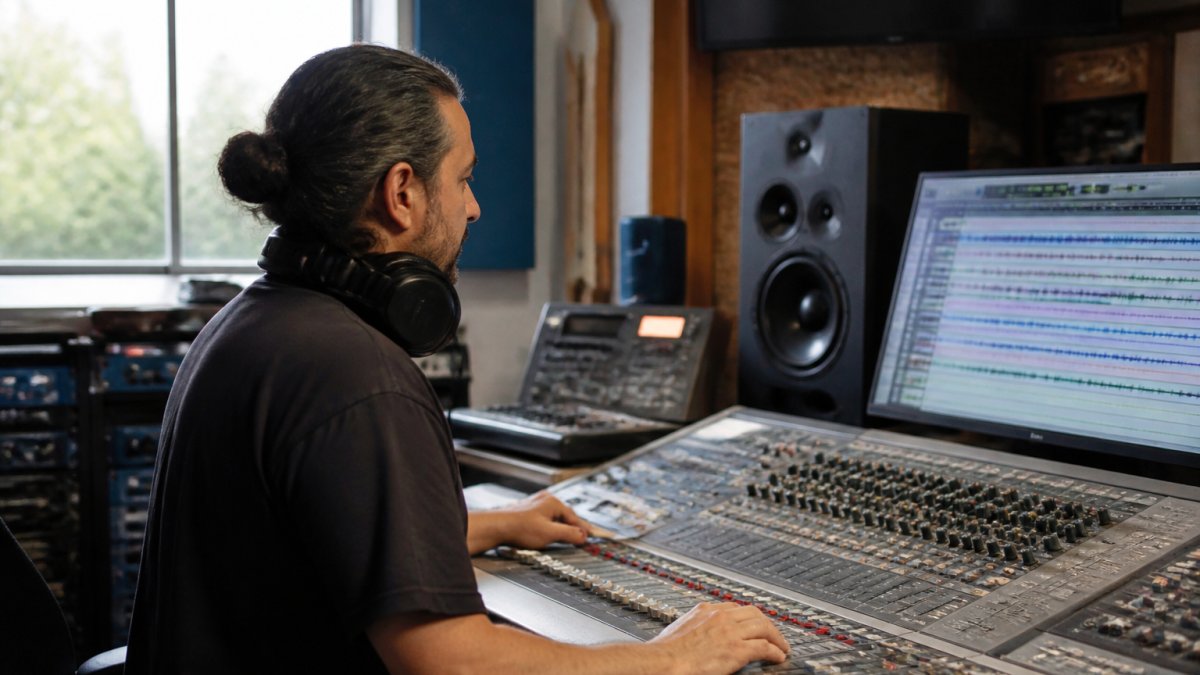
Preparing stems correctly makes mastering smoother and faster; poor preparation leads to subpar results or costly revisions.
Organizing Your Dialogue, Music, and Effects
Some projects need more granularity, separate primary narration from secondary characters, or split music sections needing different processing.
Label everything clearly, "Dialogue," "Music Bed," "SFX," not "Track 1," "Track 2."
Export each stem at the same length with identical leading and trailing silence, this alignment is critical for reassembly.
File Format and Technical Requirements
Export stems as WAV files, lossless, widely compatible, and trusted by mastering engineers.
Leave headroom: peaks around -3dB to -6dB, never maxed at 0dB. Clipped stems limit the engineer's options.
Name files with project name, stem name, and date, for example, "MyPodcast_Dialogue_2026-10-06.wav", to avoid confusion across versions.
Stem Mastering for Podcasts and Spoken Content
Spoken-word projects have their own stem logic, delivery targets, and failure modes. Treating them like a song with a vocal stem leaves clarity and consistency on the table.
How Spoken-Word Stems Are Usually Grouped
A practical spoken-word stem set is smaller than a music one:
- Dialogue, all narration, host, and guest voices, balanced against each other before export. Split into separate stems only when speakers need genuinely different processing (for example, a host recorded in a treated room and a guest on a phone patch).
- Music beds, intro, outro, and underscore, ideally as one stem unless a section needs different treatment.
- Ambience, room tone, crowd, weather, or location atmosphere. Keep this separate from music so it can be ducked or reduced without touching the score.
With fewer than three of these elements, stems may not be worth the overhead; with all four interacting, they almost always pay off.
Exporting Spoken-Word Stems Without Breaking Timing
The most common mistake is exporting stems that no longer sum to the original mix. Two rules prevent it:
- Bounce from the same start point. Every stem begins at the same timecode as the reference mix, even if that means a minute of silence at the top. Do not trim leading silence differently per stem.
- Disable master-bus processing before bouncing. If your mix bus has a compressor, limiter, or saturation, either print it identically on every stem or bypass it entirely and let the mastering engineer recreate it. Printing it on some stems and not others guarantees a sum that does not match your reference.
Leave stem-specific processing (dialogue EQ, music ducking, effects reverb) in place, it's part of the sound you want preserved. Remove only the shared master-bus chain.
Speech Intelligibility and Vocal Consistency
Dialogue clarity is several problems, and stems let each be solved without collateral damage:
- Plosives (hard P, B, and T sounds) can be tamed on the dialogue stem with a fast, narrow-band approach that would smear music transients if applied globally.
- Sibilance (harsh S and SH sounds) responds to a de-esser tuned to the narrator's voice. On a stereo mix, that same de-esser also dulls cymbals and effects.
- Room noise and HVAC rumble can be reduced with a high-pass and gentle gating on dialogue only, leaving the low end of the music bed intact.
The goal is natural speech. Solo the dialogue stem: if it sounds like a person talking in a room, you're fine; if it sounds like a voice on a telephone, you've gone too far.
Delivery Targets by Format
Loudness and true-peak targets vary by platform and format. These are common working targets, not legal requirements:
- Podcast (stereo, general distribution): roughly -16 LUFS integrated with a true peak no higher than -1 dBTP is a common target; some publishers prefer -14 LUFS.
- Audiobook (ACX-style submission): approximately -23 to -18 LUFS with peaks below -3 dBFS is the commonly cited range for retail audiobook delivery.
- Broadcast and video narration: often -24 LKFS with -2 dBTP, following the ATSC A/85 practice used in television.
Two cautions: mastering to a target isn't the same as complying with a platform's submission spec, so check current published requirements; and true-peak compliance applies to the final master, not the stems, don't pre-limit stems to hit a number.
A Before-and-After Example
Consider a 30-minute interview with a music bed under the intro and light room ambience throughout. In the stereo mix, the music bed keeps the host intelligible but buries the guest, and the ambience adds a low-frequency hum that muddies both voices.
With stems, the engineer can:
- Lower the music bed by 2-3 dB under the guest's segments only, using the dialogue stem as the sidechain reference.
- Apply a high-pass filter around 80-100 Hz to the dialogue stem to remove the hum, leaving the music bed's low end untouched.
- Add a touch of presence EQ (roughly 2-5 kHz) to the guest's dialogue without brightening the host or the music.
The result sounds like the same episode, only clearer, not a remix. That's the point of stem mastering for spoken word: preserve the intent, fix the compromises.
When Stems Are Not Worth It
A solo narration with no music, no effects, and a clean recording rarely needs stems, the overhead outweighs the benefit. Stems earn their keep when elements interact: music competing with voice, ambience coloring dialogue, or multiple speakers needing different treatment.
WAV Stems for Audio Mastering: Best Practices
WAV is the delivery format for mastering because it's lossless and universally readable, but format alone doesn't make a good stem package. The checklist around the files separates a smooth session from revision requests.
The Handoff Checklist
Before you send anything, confirm each of these:
- Format: WAV, uncompressed, no embedded metadata required.
- Sample rate: match the project. 48 kHz is standard for spoken word; 44.1 kHz is fine if that is what you recorded. Do not upsample.
- Bit depth: 24-bit. 32-bit float is acceptable if that is your session format, but 24-bit is the safe default.
Skipping any line on this list costs more time than it saves.
Common Stem-Summing Errors and How to Catch Them
Most stem problems aren't audible until the stems are summed. Check for these before delivery:
- Stems that do not sum to the reference. Import all stems into a fresh session, sum them, and A/B against your reference mix. If they do not match, the cause is almost always master-bus processing printed on some stems but not others.
- Phase cancellation. If a summed stem set sounds thinner or hollow compared to the reference, check for duplicated elements across stems, the same reverb return printed on both dialogue and music, for example.
- Misaligned starts. A stem that begins a few milliseconds late will smear transients when summed. Zoom to the first sample of each stem and confirm alignment.
- Inconsistent sample rates. A single 44.1 kHz file in a 48 kHz session forces a conversion that can shift timing. Verify every file.
- Over-normalized stems. If every stem peaks at exactly 0 dBFS, the engineer has no room to work. Re-export with headroom.
A five-minute check in a fresh session catches nearly all of these.
What to Leave In and What to Take Out
Leave in processing that's part of the sound, dialogue EQ, music ducking, effects reverb, stem-level compression. Take out anything applied to the whole mix at the master bus: bus compression, limiting, saturation, loudness normalization.
If your mix relies on master-bus glue, say so in the session notes so the engineer can recreate that character across the stems rather than guessing.
A Note on Reference Mixes
The reference mix isn't a target to match, it's context, telling the engineer what you heard when you decided the mix was finished. Include it even when you're unhappy with it, especially then.
When to Send Stems Instead of a Stereo Mix
Send stems when elements interact in ways you can't resolve in the mix, music competing with voice, ambience coloring dialogue, or multiple speakers needing different treatment. Send a stereo mix when the balance is right and you only need loudness and tonal polish.
Five Key Benefits of Stem Mastering for Spoken Word
Enhanced Dialogue Clarity and Intelligibility
Dialogue is the foundation of spoken-word content, and every word must be understood. Stem mastering keeps your voice clear without competing with music or effects.
Compression can be tailored to your dialogue. A gentle compressor keeps your voice consistent. Loud passages don't jump out. Quiet passages don't disappear.
Independent Control Over Mix Elements
Each stem gets individual processing, dialogue its own EQ and compression, music bed its own settings, effects their own treatment.
That independence means no choosing between clear dialogue and rich music, you optimize each separately, then blend.
The engineer can also adjust balance between elements, turning down a too-loud music bed without touching dialogue, or boosting presence on just the effects stem.
Precise Low-Frequency and Tonal Balance
With stems, low-frequency processing becomes precise: dialogue gets a high-pass to remove rumble below 80 Hz, the music bed keeps its full low end, and effects get whatever character serves them best.
Tonal balance improves across the project: each element sounds its best, and together they form a cohesive whole.
Revision Flexibility and Creative Control
Changes become easier with stems, if the music bed needs to be louder, the engineer adjusts just that stem instead of remastering everything.
This flexibility extends to creative decisions: want a different EQ character on dialogue?
You also keep creative control, hearing how processing choices affect your content before they're finalized and adjusting easily if something feels off.
When Spoken-Word Projects Benefit Most From Stem Mastering
Not every project needs stems. A solo podcast with minimal music might work fine with stereo mastering.
Projects with multiple speakers benefit significantly: separating dialogue stems lets the engineer balance each individually, more presence for one, less compression for another.
Podcast interviews gain too: host and guest can be balanced independently, so a quieter guest gets presence without making you sound too loud.
Getting Started With Professional Stem Mastering
Gather your stems and export them per the guidelines above: WAV, 24-bit/48kHz, aligned timing, adequate headroom, plus a stereo reference mix showing your intended balance.
At LB-Mastering Studios, we work with stem mastering regularly for spoken-word projects.
When you're ready, reach out with your stems and a project description.
Spoken-word content demands precision that stereo mastering often can't deliver. Contact us to discuss your project and learn how stem mastering can improve your audio. Book a Session
Frequently Asked Questions
What is the main difference between stem mastering and stereo mastering for spoken word?
Stereo mastering works with a single mixed file, treating all elements as one. Stem mastering gives you separate tracks for dialogue, music, and effects, allowing precise adjustments to each element independently. For spoken word, this means you can boost vocal clarity, control background music levels, and manage sound effects without affecting dialogue quality, something impossible with a stereo mix.
How should I prepare stems for mastering if I'm producing a podcast?
Separate your podcast into at least three stems: dialogue (all vocal tracks combined), music bed (background music), and effects or ambient sound. Export each as 24-bit WAV files at 48 kHz sample rate. Label them clearly and leave 3-6 dB of headroom on each stem to give the mastering engineer room to process without clipping. Consistency across all stems ensures smooth processing.
Can stem mastering really improve dialogue intelligibility for audiobooks and narration?
Yes. Stem mastering allows the engineer to apply EQ, compression, and limiting specifically to the dialogue stem to enhance clarity and consistency across the entire production. The mastering engineer can adjust the vocal's frequency balance, control dynamic range, and ensure the narrator's voice remains intelligible even in quieter passages, critical for accessibility and listener retention.
Should I use WAV or MP3 stems when sending files for mastering?
Always use WAV format for mastering. WAV is uncompressed and preserves all audio data, while MP3 uses lossy compression that discards information and degrades quality. Send 24-bit or 16-bit WAV stems at 48 kHz (or your project's native sample rate). This ensures the mastering engineer works with the highest-quality source material available.