 how-to
Online Mixing Free: When to Upgrade to a Pro
Table of Contents
- What Free Online Mixing Tools Actually Do
- Mixing vs. Mastering: The Distinction That Changes Everything
- How to Prepare Stems for Professional Mixing
- Benefits of Analog Outboard Gear in Mixing
- Free vs. Paid: Online Mixing Options Compared
- Professional Mixing and Mastering Services: What to Expect
- Conclusion
Last Updated: August 29, 2026
Most independent artists discover online mixing free tools the same way: a tight deadline, a limited budget, and a YouTube rabbit hole ending with a drag-and-drop interface promising radio-ready results in 60 seconds. At LB-Mastering Studios, we've spent decades receiving files that went through automated processing before landing on our desk for a proper master. The gap between what those tools deliver and what streaming platforms actually require is wider than most artists realize. This guide breaks down exactly what free online mixing tools do, where they genuinely help, and the point at which automated processing becomes a ceiling rather than a shortcut.
What Free Online Mixing Tools Actually Do
Free online mixing tools are browser-based or cloud-based audio processing platforms that apply automated digital signal processing to your uploaded audio file through algorithm-driven mastering chains rather than trained ears. They handle loudness normalization, basic equalization, audio compression, and peak limiting.
For a quick reference check or demo track, they serve a real purpose. The problem is that many artists treat them as a finishing step for commercial releases, which they are not designed to be.
How AI-Powered Audio Processing Works
AI-powered audio processing analyzes spectral content, dynamic range, and loudness characteristics, then applies a preset mastering chain calibrated to match a target loudness level in LUFS (Loudness Units Full Scale). The algorithm compares your track against a reference model derived from thousands of commercially released songs and adjusts output gain, transient response, and frequency balance accordingly.
The process returns a processed file in under two minutes. What it cannot do is distinguish between an intentionally dark low end and a problematic frequency buildup, or recognize that your track's dynamic range is a creative choice rather than an engineering oversight. According to AES Audio Engineering Society technical resources, automated systems still struggle to replicate the contextual judgment that defines professional sound engineering.
Supported File Formats and Output Specs
Most free online mixing platforms accept WAV and MP3 uploads, with some supporting M4A, AIFF, and FLAC. Output options on free tiers are typically limited to MP3 previews rather than full-resolution WAV, which disqualifies them for streaming distribution through most major distributors.
For professional release, you need a 24-bit WAV file at 44.1 kHz for streaming and CD, or 96 kHz for high-resolution formats. Free tiers rarely deliver this. Bit depth and sample rate determine the headroom available during mastering, and downgrading them at output permanently degrades audio fidelity.
Mixing vs. Mastering: The Distinction That Changes Everything
Mixing and mastering are two separate disciplines, and confusing them is the most expensive mistake an independent artist can make.
Mixing is balancing individual tracks or stems within a session: adjusting levels, panning, equalization, and compression so every element occupies its own space in the stereo field.
Mastering is what happens after mixing. A mastering engineer takes the finished stereo mix and optimizes it for playback across every consumer system while ensuring it meets the loudness normalization standards of streaming platforms like Spotify, Apple Music, and Tidal.
Most free online tools market themselves as "mastering" services, but they apply a simplified mastering chain to whatever you upload. If your mix has problems, those problems get louder and more defined, not corrected. A common mistake is sending an unfinished mix expecting it to fix balance issues between vocals and kick drum. It will not. That is a mixing problem requiring a mixing engineer.
How to Prepare Stems for Professional Mixing
Stem mixing is grouping related tracks into consolidated audio files sent to a mixing engineer for processing. Proper stem preparation separates a smooth professional session from a frustrating back-and-forth.
Stem Labeling and Gain Staging
Every stem should be clearly labeled by instrument group: Drums, Bass, Guitars, Keys, Lead Vocals, Background Vocals, FX. Ambiguous file names waste time and introduce misidentification risk.
Gain staging is equally critical. Export each stem at the level it sits in your session without adding master bus processing. A good target is peaks no higher than -6 dBFS on any individual stem, giving the engineer room to apply compression, equalization, and harmonic saturation without hitting the ceiling.
What to Include and What to Leave Out
Send raw stems, not processed versions. Remove any master bus compression, limiting, or loudness maximizing before export. If you have applied reverb or delay as send effects, export those as separate wet stems so the engineer can adjust the blend.
Leave out any processing you are uncertain about, including heavy saturation or experimental effects not approved by all collaborators. The engineer can add character; they cannot remove it from a baked-in stem without artifacts.
Benefits of Analog Outboard Gear in Mixing
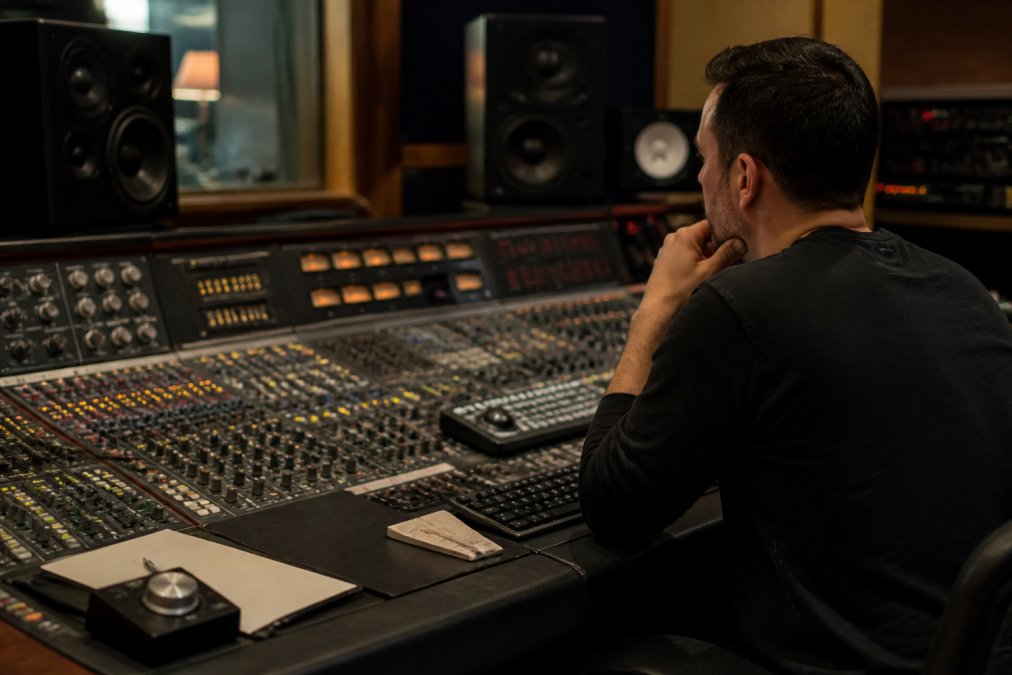
Analog outboard gear introduces harmonic saturation, transformer coloration, and natural audio compression that digital plugins approximate but do not fully replicate. Passing audio through a transformer, tube circuit, or discrete Class A amplifier stage adds overtones and density that experienced listeners recognize immediately.
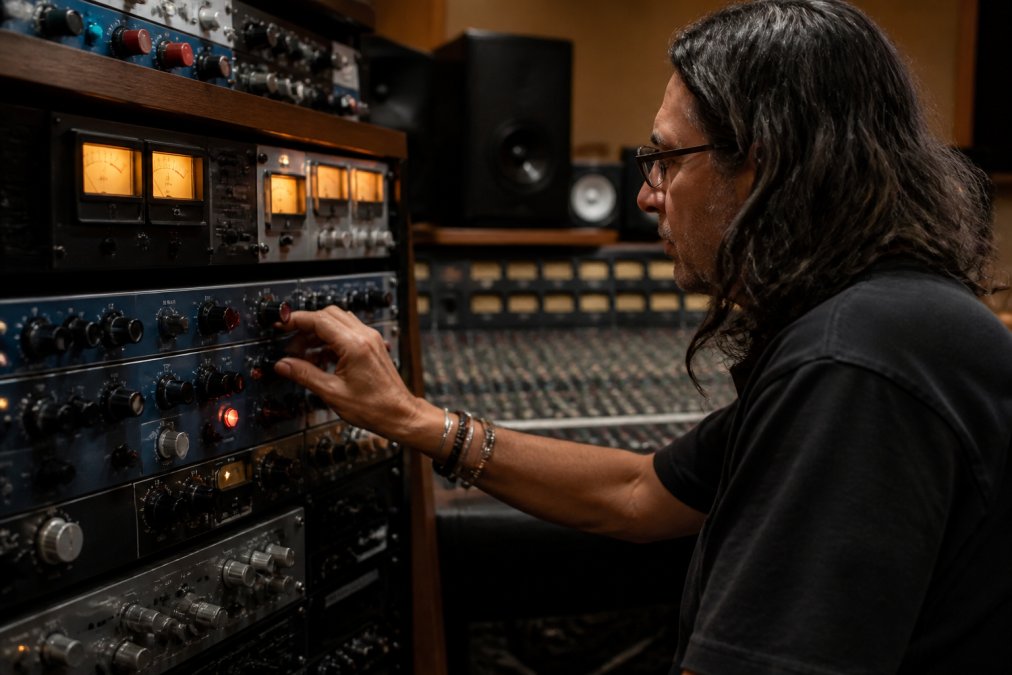
This is not nostalgia. Records defined by analog gear from the 1960s through 1990s still hold up sonically against modern releases. The gear imparts character that feels musical because it responds to audio in a non-linear, dynamic way. As noted in Recording Academy's technical resources on analog processing, the tactile, non-linear response of analog circuitry remains a benchmark for professional audio quality.
The practical benefit is access to equipment that costs more than most home studios spend in a decade. Equalizers, compressors, and tape machines that shape frequency balance and dynamic range in ways that genuinely translate to better-sounding masters on streaming platforms. LB-Mastering Studios runs a specialized analog facility with premium outboard gear specifically for this reason: some sonic decisions cannot be made in the box.
:::pro_tip If you are deciding between a fully digital mix and one processed through analog outboard gear, ask the engineer to demonstrate on a short section of your track. The difference is often immediately audible, particularly in the low midrange and transient response of drums. :::
Free vs. Paid: Online Mixing Options Compared
The online mixing free tier is a legitimate starting point. The question is what you give up when you stay there.
| Feature | Free Online Tools | Paid AI Platforms | Professional Human Services |
|---|---|---|---|
| Turnaround | Minutes | Minutes to hours | 24-72 hours typical |
| Output format | MP3 preview or limited WAV | Full WAV, 24-bit | Full WAV, vinyl-ready, CD |
| LUFS targeting | Fixed algorithm | Adjustable | Genre-specific, platform-specific |
| Stems accepted | Stereo mix only | Some accept stems | Full stem mixing available |
| Revisions | None | Limited | Included |
| Human judgment | None | None | Full |
| Vinyl mastering | Not available | Rarely available | Available |
Speed, Convenience, and Where AI Falls Short
Speed is the genuine advantage of automated processing. For a quick reference check, demo submission, or social media clip, getting a processed file in two minutes is useful. Paid AI platforms offer more output format options, adjustable LUFS targets for different streaming platforms, and occasionally stem-level processing.
Where AI falls short is anything requiring contextual listening. A mastering engineer hears your track in the context of the genre, era, and intended playback environment. They know that a hip-hop master hitting -9 LUFS integrated plays differently on Spotify than a classical track at -23 LUFS. An algorithm applies a rule. An engineer applies judgment.
According to Spotify's loudness normalization documentation for artists, the platform targets -14 LUFS integrated for normalization, but the interaction between your master's dynamic range and that normalization process is something only an experienced engineer can optimize for without sacrificing sonic clarity.
Troubleshooting Common AI Artifacts
AI mastering artifacts are the audio equivalent of jpeg compression: you do not notice them until you do, and then you cannot unhear them. Common issues include:
- Pumping compression: The limiter reacting too aggressively to transients, causing the mix to breathe audibly around kick drums or snare hits.
- High-frequency harshness: Over-aggressive equalization in the 8-12 kHz range producing sibilance or a brittle top end.
- Stereo imaging collapse: Mid-side processing applied too broadly, narrowing the stereo field or creating phase issues in mono playback.
- Low-end muddiness: Insufficient high-pass filtering leaving sub-bass energy that translates poorly on smaller speakers.
The fix is not to re-run the automated process. Address the issue at the mix level and resubmit, or move to professional mixing and mastering services where an engineer can identify the root cause.
Professional Mixing and Mastering Services: What to Expect
Professional mixing and mastering services begin with a detailed conversation about your project, not an upload button. The engineer needs to understand the genre, reference tracks you admire, distribution format, and any specific concerns before touching the file.
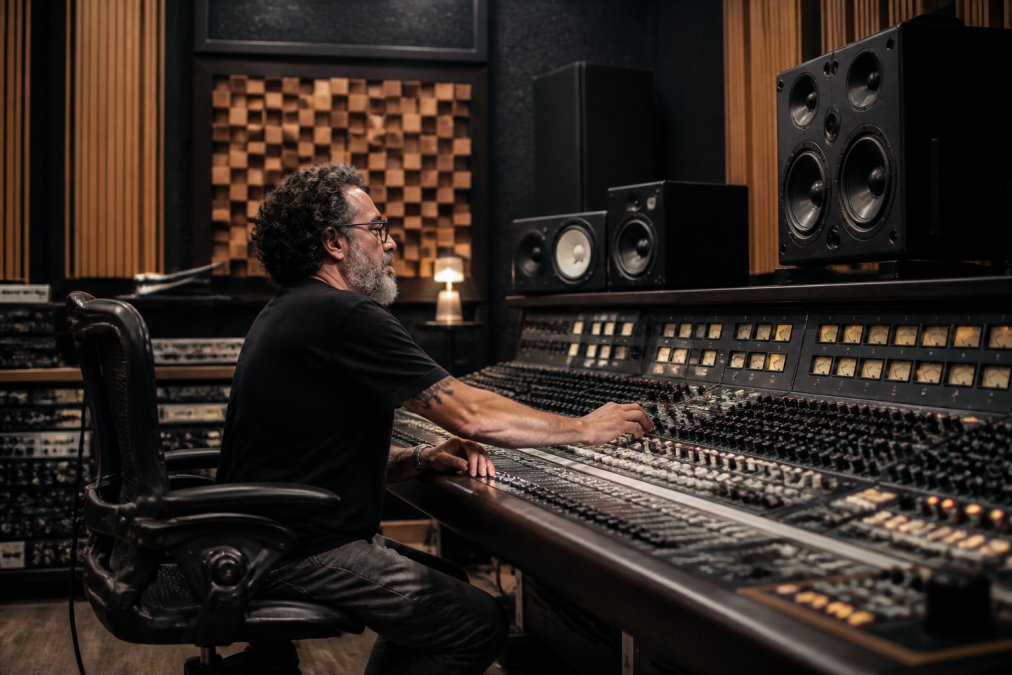
At LB-Mastering Studios, that conversation is built into the process. Led by a Latin GRAMMY Award-winning engineer with 11x Billboard chart credits and more than 44 years of professional experience, the studio approaches each project with the specific context it requires. The free sample master offered is a sample master of your track, giving you a concrete reference point before committing to the full project.
Post-Mastering Quality Control
Post-mastering quality control involves listening to the finished master on multiple playback systems: studio monitors, consumer earbuds, car speakers, and a mono speaker to check phase integrity.
A proper QC pass also includes checking integrated LUFS against the target platform, verifying that inter-sample peaks stay within the -1 dBTP ceiling required by most streaming distributors, and confirming that the master translates consistently across playback environments. For physical formats, vinyl mastering requires an additional QC step to verify that low-end phase relationships will not cause the cutting stylus to skip.
This is where problems that survived the mastering stage get caught before release, not after.
Genre-Specific Settings and Streaming Standards
Mastering is not a single universal process applied to every track. Genre conventions shape every decision, from target loudness level to frequency balance to dynamic range preserved.
Electronic music and hip-hop typically master louder, often in the -8 to -10 LUFS integrated range. Acoustic and classical recordings preserve more dynamic range, often sitting at -18 to -23 LUFS, because dynamic contrast is part of the listening experience. Rock and pop land somewhere in between.
Each streaming platform applies its own loudness normalization algorithm. A professional mastering engineer targets a master that performs well across all major platforms rather than optimizing for a single one. For physical distribution, CD mastering and vinyl mastering each carry distinct technical requirements that diverge significantly from streaming-optimized masters.
As detailed in Apple Music's mastering guidelines for audio engineers, platform-specific technical requirements for streaming delivery continue to evolve, making ongoing familiarity with current standards a baseline expectation for any professional mastering service.
The gap between a free online mixing tool and a professional mastering session is not just a quality difference. It is a difference in what the process is actually doing to your music. Automated tools apply fixed algorithms to whatever you upload; a professional engineer listens, makes contextual decisions, and delivers a master built for your specific track, genre, and distribution format. If your music is ready for release, it deserves the latter. Book a session with LB-Mastering Studios and get a free sample master of your track before committing, backed by 44 years of experience and a facility built around the analog outboard gear that defines professional sound quality.
=== FAQ ANSWERS (audit these too, same rules) ===
Frequently Asked Questions
Q: Can you get professional results from free online mixing tools?
A: Free online mixing tools can produce a clean, balanced output for demos or rough releases. They apply loudness normalization, basic equalization, and peak limiting automatically. However, they cannot replicate decisions a trained engineer makes about dynamic range, stereo imaging, or genre-specific transient response. For streaming distribution where every detail of audio fidelity counts, a professional mixing and mastering service can deliver a more competitive, release-ready result.
Q: What are the limitations of AI-powered online mixing?
A: AI-powered online mixing processes audio against a statistical average, it has no awareness of your creative intent, instrumentation, or target genre. Common issues include over-compressed dynamics, unnatural harmonic saturation, stereo imaging artifacts, and LUFS targets that do not account for platform-specific loudness normalization differences. Tracks with complex arrangements or unconventional frequency balance tend to expose these limitations most clearly. A human engineer can catch and correct these problems before distribution.
Q: How does professional mixing differ from automated online mixing?
A: Automated online mixing applies preset digital signal processing to your stereo file or stems. Professional mixing involves a trained engineer making thousands of individual decisions, adjusting equalization, audio compression, stereo imaging, and output gain in response to the specific characteristics of your recording. Professional mixing also separates the mixing stage from mastering, so each step gets the full attention it requires. The result is sonic clarity that can hold up across headphones, car speakers, and club systems.
Q: What should I look for when hiring a professional mixing engineer?
A: Prioritize verifiable credits in your genre, access to a properly treated acoustic environment, and transparency about the mastering chain they use. Ask whether they work with analog outboard gear, which can affect warmth and transient response in ways digital-only processing may not fully replicate. Find out how revisions are handled, what file formats and bit depth they accept, and whether they offer a sample master before you commit. Experience with streaming distribution standards, including platform LUFS targets, is also essential.
This article was written using GrandRanker