 how-to
Headroom in Mastering Signal Chains: A Practical Guide
Table of Contents
- What Headroom Means in a Mastering Signal Chain
- How Much Headroom to Leave for Mastering
- Mastering Signal Chain Gain Staging Essentials
- True Peak Versus Sample Peak: Understanding Measurement
- How to Prevent Clipping in a Mix
- Common Headroom Mistakes and How to Fix Them
- Why Headroom Matters Before Mastering Begins
- Frequently Asked Questions
Last Updated: October 19, 2026
What Headroom Means in a Mastering Signal Chain
Headroom is the safety margin between your audio signal's peak level and the point where digital clipping occurs, a critical concept in headroom mastering signal chains. Think of it as breathing room for your mix. Without it, the loudest transients in your track will distort and ruin the final master.
In a mastering signal chain, headroom becomes critical. Your mix arrives at the mastering engineer's console. It passes through input stages, compressors, equalizers, limiters, and other outboard gear before reaching the output. At each stage, the signal can grow.
Headroom as a safety margin
Headroom protects your audio at every step. When a mix has proper headroom, the mastering engineer can push processors harder without fear. Compression can work more effectively. Equalization can boost frequencies without pushing peaks into the red. The limiter on the master bus becomes a safety net, not a crutch.
Many producers send mixes that are already too loud. They've normalized peaks to near 0 dBFS. The mastering engineer then has no room to work. Every move risks clipping. This forces conservative processing and a weaker final product.
Peak level versus loudness
Here's where most people get confused: peak level and loudness are not the same thing.
Peak level is the highest instantaneous amplitude your signal reaches. A snare hit might spike to -3 dBFS for a fraction of a millisecond. Loudness is the perceived volume over time, what your ear actually hears.
Mastering requires understanding both. You need headroom on the peaks to prevent clipping. But you also need the average level high enough that the master doesn't sound thin or weak. The balance between these two is what separates a professional master from an amateur one.
How Much Headroom to Leave for Mastering
The answer depends on your delivery format and the mastering engineer's workflow. There's no universal rule, but guidelines exist for good reason.
Premaster peak levels and the 0 dBFS ceiling
For a stereo mix heading to mastering, aim for peaks between -6 dBFS and -3 dBFS. This gives the mastering engineer room to work without clipping in the analog domain or during processing.
Why this range? Analog outboard gear has its own headroom. When you send a digital signal into an analog compressor or EQ, that gear has a maximum input level.
The 0 dBFS ceiling is absolute in the digital domain. You cannot go above it without clipping. But you should never send a mix that touches 0 dBFS. Leave at least 3 dB of headroom as a safety margin.
Headroom targets for different delivery formats
Streaming platforms (Spotify, Apple Music, YouTube) use loudness normalization (Loudness normalization on Spotify). They measure your master in LUFS and turn it down if it's too loud.
Vinyl mastering requires different headroom. The cutting engineer needs headroom to prevent the stylus from jumping out of the groove on loud transients. Vinyl masters typically have lower overall loudness than streaming masters, but they need careful peak management.
CD mastering sits between the two. Compact discs have no loudness normalization. Your peaks matter. But you still need headroom in the mastering chain to let processing work cleanly.
Mastering Signal Chain Gain Staging Essentials
Gain staging is the art of managing signal level at each point in your chain. Do it right, and every processor works at its sweet spot. Do it wrong, and you're fighting clipping or noise the whole way through.
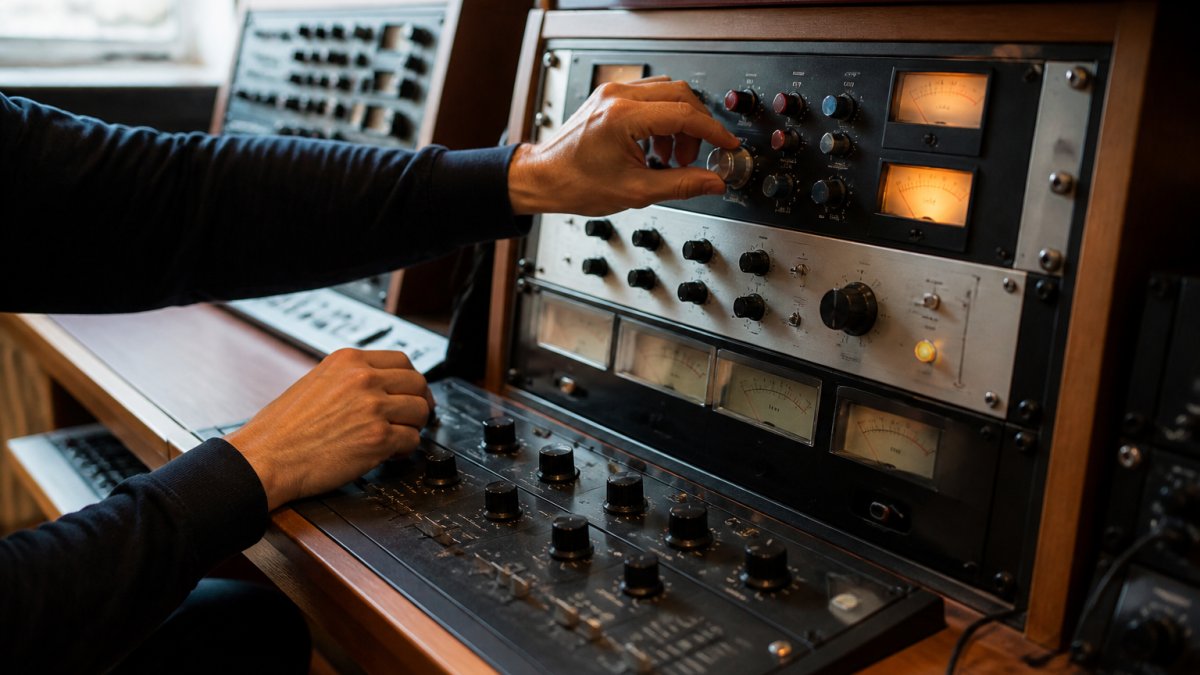
Tracking levels through input, processing, and output
The signal enters the mastering console at the input stage. Set this level so the meter reads around -18 dBFS to -12 dBFS on average peaks.
From there, the signal hits your first processor, often a compressor or EQ. Each processor has its own input and output controls.
This cascading approach matters. If your compressor's output is too hot, the next EQ sees a signal that's already compressed. If it's too cold, the EQ has to boost its input, which adds noise.
The master bus fader is your final output control. Set it so your final peaks sit around -1 dBFS to -0.3 dBFS.
Analog versus digital gain structure
Analog gear and digital processing handle gain differently. Analog outboard equipment like compressors and EQs has a certain amount of headroom built into the circuit.
Digital plugins, by contrast, have a hard ceiling at 0 dBFS. Push a digital signal above that, and it clips instantly. No saturation, no character, just distortion.
When you mix analog and digital in a mastering chain, you need to understand where each lives in your signal flow.
True Peak Versus Sample Peak: Understanding Measurement
Your meter shows you one thing. But your audio can clip in ways your meter doesn't catch. This is the true peak problem.
Why sample peak alone misses clipping risk
A sample peak is the highest level your audio reaches at the points where samples are actually recorded. If you sample audio at 44.1 kHz, you get 44,100 samples per second.
But between those samples, the actual analog waveform might go higher. This is called an intersample peak or true peak. It happens because of how digital audio works.
When you export your mix or send it through a digital limiter, that limiter sees the true peak, not just the sample peaks.
This is why professional mastering engineers use true peak metering, not just sample peak meters.
Using meters to catch intersample peaks
True peak meters measure the actual analog waveform that would be reconstructed from your digital audio. They show you the real maximum level, not just the samples.
Many DAWs now include true peak metering as standard. Plugins like Waves WLM Plus or Fabfilter Pro-L also display true peak information. If you're preparing a mix for mastering, enable true peak metering and aim for -1 dBFS true peak maximum.
Some mastering engineers use hardware metering that measures true peak directly from the analog output of their interface. This is the most accurate method, but it requires professional equipment.
How to Prevent Clipping in a Mix
Clipping ruins audio. It's permanent damage to the waveform. Once it happens, no mastering engineer can fix it. Prevention is the only option.
Reducing track levels and master fader management
Start at the source. Keep individual track levels reasonable. A vocal track doesn't need to sit at -1 dBFS. Neither does a drum bus. Leave headroom on every track. Aim for peaks around -6 dBFS on most tracks.
Then manage your master fader carefully. Don't use it as a volume control for the whole mix. Use it as a safety tool. Set it to unity (0 dB) during mixing.
Many mixing engineers make this mistake: they mix at loud levels, then turn down the master fader to prevent clipping. This defeats the purpose of headroom. The individual tracks are still too hot.
Gain reduction through compression and limiting
Compression and limiting are tools for controlling peaks, but they're not headroom. They're processors that reduce loud parts. Use them musically during mixing, but don't rely on them to create headroom.
A limiter on your master bus during mixing can prevent accidental clipping while you work. But it's not a substitute for proper gain staging. The limiter catches peaks, but it also changes the character of the mix.
If you use compression or limiting while mixing, print your mix without those processors before sending it to mastering. Let the mastering engineer add their own processing with their own gear.
Common Headroom Mistakes and How to Fix Them
These errors show up in mixes constantly. Recognizing them saves time and improves your final master.
Over-normalizing and artificial loudness
Over-normalization is the biggest mistake. A producer finishes a mix, then normalizes the stereo file to 0 dBFS. The peaks now touch the ceiling. There's no headroom left.
This happens because loudness is seductive. A normalized mix sounds louder than one with headroom. But that loudness is fake. It's just peak level, not actual volume. When the mastering engineer processes it, the mix falls apart because there's nowhere for the signal to go.
The fix is simple: don't normalize. Export your mix at the level it naturally sits. If your peaks are at -3 dBFS, that's correct. Leave it there.
Misreading meters and clipping in the chain
Some engineers mix on systems with poor metering. They think they have headroom, but they don't. The mix clips somewhere in the mastering chain, and they blame the mastering engineer.
Use accurate metering. Check both sample peak and true peak. If you're unsure, err on the side of lower levels. A mix with -6 dBFS peaks is never too quiet. A mix with -0.5 dBFS peaks is risky.
Also, understand where clipping can happen. It's not just at the output. It can occur inside a plugin, inside an interface, or inside analog gear. Every stage of the chain has a maximum level.
Why Headroom Matters Before Mastering Begins
Headroom is not something the mastering engineer fixes. It's something you create before the mix leaves your studio.
A professional mastering engineer can work miracles with EQ, compression, and limiting. But they cannot fix a clipped waveform. They cannot recover detail that was destroyed by distortion.
When you send a mix with proper headroom, the mastering engineer has options. They can shape the tone, control dynamics, and optimize loudness.
Think of headroom as a gift to your mastering engineer. It says: "I've prepared this mix carefully.
At LB-Mastering Studios, we've worked with hundreds of mixes. Our engineer brings 44+ years of experience and world-class analog equipment to every project, whether you're mastering a single song, a full album, stem mastering for remixes, or vinyl mastering for physical distribution. Book a session today and let us show you what your mix can become.
Frequently Asked Questions
How much headroom should I leave for mastering?
A safe target is to keep your mix's peak level between -6 dB and -3 dB below 0 dBFS. This gives a mastering engineer enough space to apply compression, equalization, and limiting without triggering digital clipping. Exact headroom depends on your mix's dynamic range and transient peaks. Aim for at least -6 dB if your mix contains sharp transients or loud drum hits; -3 dB works for more controlled material. A professional mastering engineer can work with less headroom if needed, but starting with this safety margin prevents distortion during processing.
What's the difference between true peak and sample peak when measuring headroom?
Sample peak measures the highest value at discrete audio samples, but it can miss peaks that occur between samples. True peak (also called intersample peak) uses interpolation to detect those in-between peaks, which is critical because digital clipping can occur at intersample points even when sample peak readings look safe. Professional mastering relies on true peak measurement to catch hidden clipping risk. If you're preparing a premaster, use a meter that displays true peak; many DAWs and metering plugins now include this feature to ensure your headroom calculation is accurate.
Does lowering the master fader create headroom?
Lowering the master fader reduces the output level you send to a mastering engineer, but it does not create actual headroom in your mix file. Headroom exists in the relationship between your highest peaks and the 0 dBFS ceiling. Reducing the fader just scales all levels down proportionally; the peaks still have the same distance to clipping as before. To create real headroom, you must reduce individual track levels, apply gain reduction through compression or limiting, or re-record quieter performances. A mastering engineer needs the mix file with authentic headroom built into the audio itself, not just a lower output level.
Can you have too much headroom in your mix?
Yes. Excessive headroom (peak levels below -12 dB, for example) forces a mastering engineer to apply more gain to reach target loudness levels, which can amplify noise floor and reduce the impact of your mix. It also wastes the dynamic range available in your audio file. The goal is an optimal balance: enough headroom to prevent clipping and allow processing, but not so much that you're throwing away loudness or introducing noise. A premaster with peaks around -6 dB to -3 dB uses your available dynamic range efficiently and gives a mastering engineer the cleanest foundation to work from.