
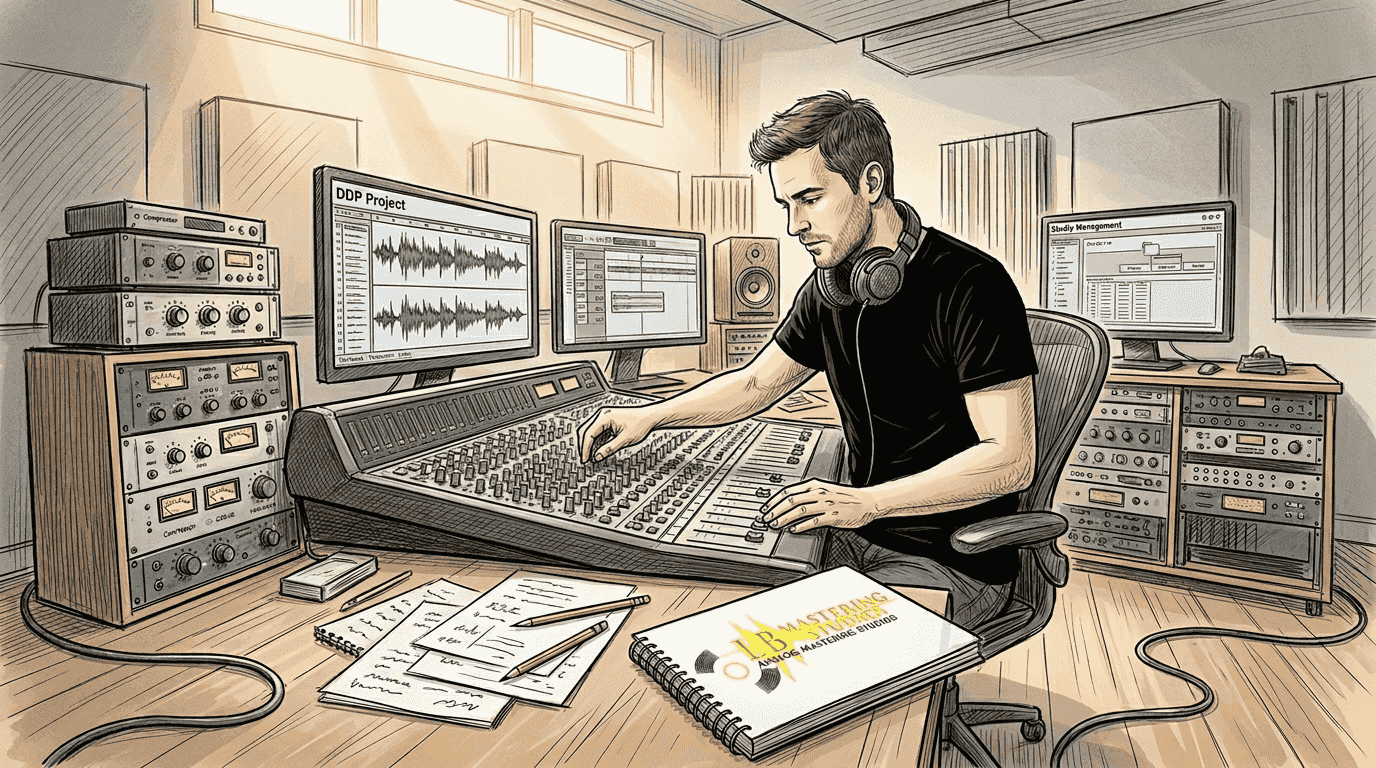
Many independent musicians believe mastering is just about making tracks louder, but the format you choose for final delivery can dramatically affect your audio quality and distribution success. DDP mastering has become the professional standard for a reason: it protects your music from errors, preserves every sonic detail you worked hard to achieve, and streamlines the path from studio to listener. Whether you're releasing your first album or your tenth, understanding DDP mastering gives you control over how your music reaches the world. This guide breaks down what DDP mastering is, why it matters for your releases, and how to use it effectively in your production workflow.
Table of Contents
- What Is DDP Mastering And Why Does It Matter?
- How DDP Mastering Differs From Traditional Audio Mastering Methods
- Practical Steps To Prepare And Deliver Your Music Using DDP Mastering
- The Impact Of DDP Mastering On Music Distribution And Quality Assurance
- Professional DDP Mastering Services At LB-Mastering
- Frequently Asked Questions About DDP Mastering
Key takeaways
| Point | Details |
|---|---|
| DDP delivers superior protection | Error checking and data verification ensure your master reaches manufacturing without corruption or quality loss |
| Streamlines professional distribution | Industry standard format accepted by replication plants worldwide for both physical and archival purposes |
| Preserves complete project integrity | Maintains track order, gaps, metadata, and ISRC codes in a single verified package |
| Requires proper preparation | Working with experienced mastering engineers ensures optimal results and avoids common delivery pitfalls |
What is DDP mastering and why does it matter?
DDP stands for Disc Description Protocol, a file format specifically designed for delivering mastered audio to manufacturing facilities. Unlike simple audio files, a DDP image contains your entire album as a complete package: the audio itself, track markers, gaps between songs, CD-TEXT information, ISRC codes, and verification data that confirms everything arrived intact. Think of it as a digital blueprint that tells replication equipment exactly how to reproduce your music.
For independent musicians, DDP mastering offers three critical advantages. First, built-in error checking means DDP mastering ensures better sound quality throughout the manufacturing process. The format uses checksums to verify data integrity, catching corruption before it reaches your listeners. Second, DDP files preserve every detail your mastering engineer crafted, from precise fade lengths to the exact spacing between tracks. Third, manufacturing plants prefer DDP because it eliminates ambiguity and reduces production errors.
Many musicians confuse CD mastering with simply burning a reference disc. A CD-R can degrade, get scratched, or introduce read errors during duplication. DDP mastering creates a verified digital master that maintains perfect fidelity through unlimited replications. When you check out mastering tips from professional studios, you'll notice they consistently recommend DDP delivery for physical releases.
Pro Tip: Always request a DDP file from your mastering engineer even if you're primarily releasing digitally. It serves as a pristine archive of your project that you can use for future pressings, licensing opportunities, or format conversions without quality compromise.
How DDP mastering differs from traditional audio mastering methods
Traditional CD mastering relied on creating a physical Red Book CD master, which manufacturing plants would then use as a reference for duplication. This process introduced multiple points of failure: the CD-R media could degrade over time, shipping could damage the disc, and reading errors during replication could introduce audio artifacts. Each physical transfer risked quality loss.
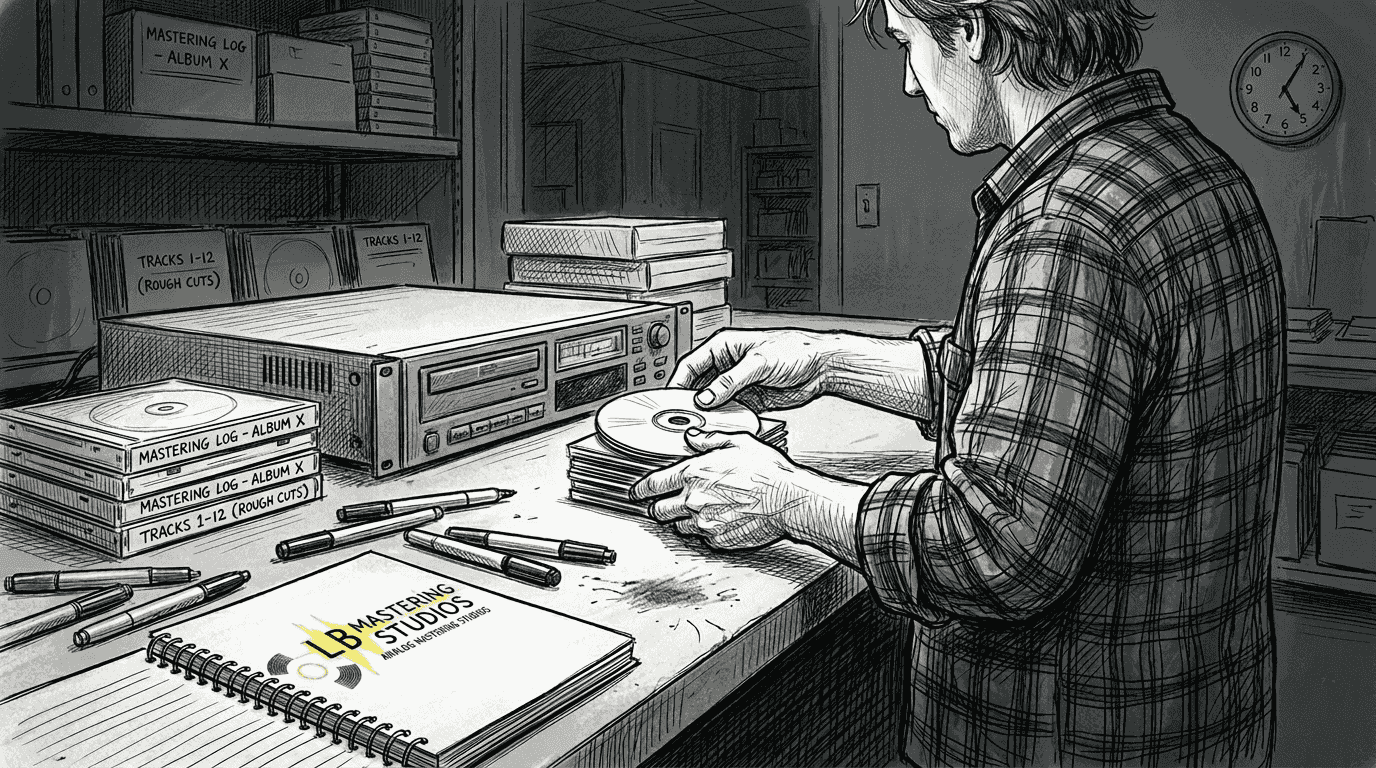
DDP mastering revolutionized this workflow by moving everything into the digital realm. The DDP mastering workflow moves from audio mastering to creating a verified digital package optimized for music releases. Your mastering engineer exports the final audio along with all metadata into a folder of DDP files that can be transmitted electronically, eliminating shipping delays and physical media risks. The receiving facility imports this package directly into their manufacturing system with mathematical certainty that nothing changed.
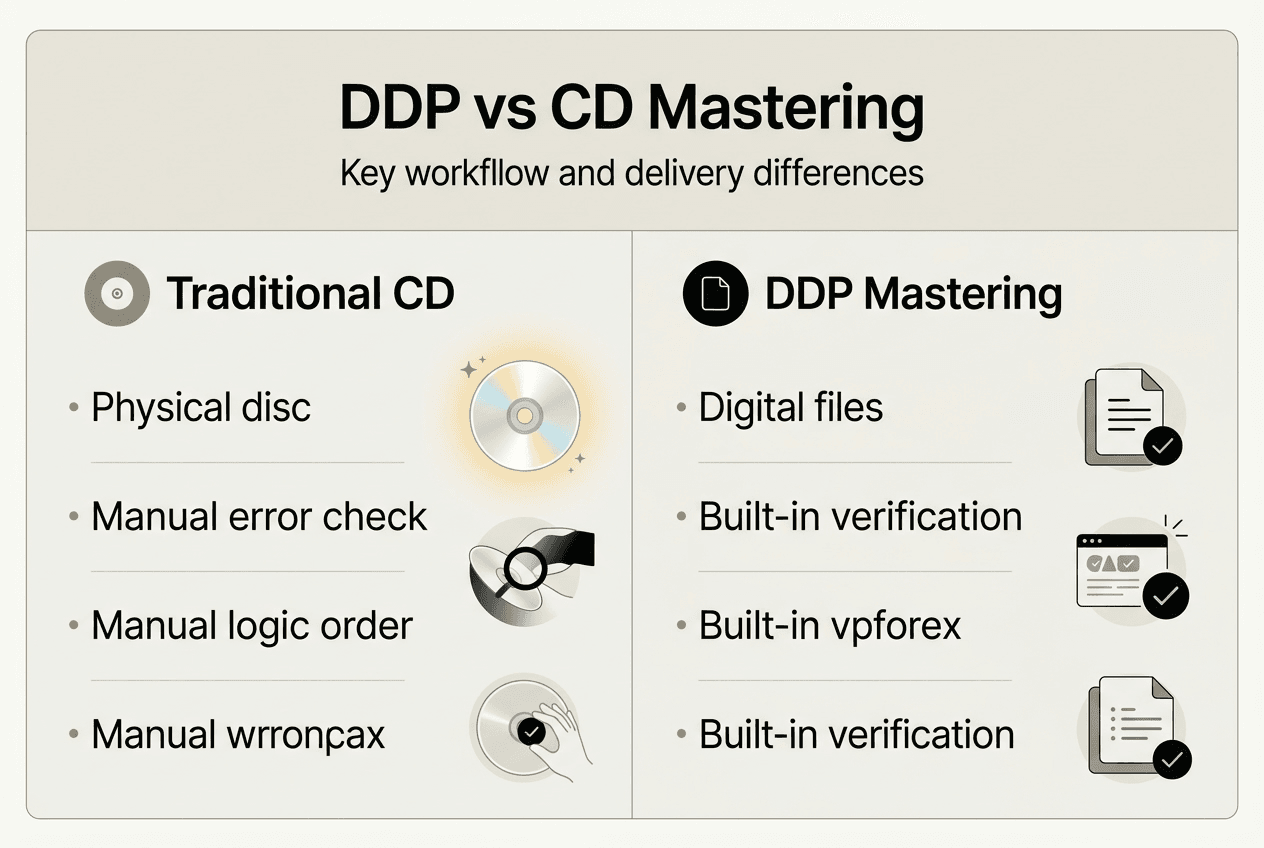
Here's how the methods compare:
| Aspect | Traditional CD Master | DDP Mastering |
|---|---|---|
| Delivery method | Physical CD-R disc | Digital file transfer |
| Error protection | None, relies on media quality | Built-in checksums verify integrity |
| Metadata inclusion | Limited CD-TEXT only | Complete ISRC, UPC, CD-TEXT |
| Degradation risk | Media can fail over time | Digital files maintain perfect fidelity |
| Distribution speed | Days for shipping | Minutes for electronic transfer |
| Industry acceptance | Declining, legacy format | Current professional standard |
WAV and MP3 file deliveries present their own limitations. A folder of WAV files lacks the structural information manufacturing needs: where tracks start and end, how long gaps should be, what metadata to embed. Your replication facility must manually recreate this information, introducing human error. MP3 files compound the problem with lossy compression that permanently discards audio data. Neither format includes verification, so corruption during transfer goes undetected until physical discs reveal problems.
Professional mastering studios like those featured in the vinyl mastering guide increasingly require DDP delivery because it represents a complete, verified master. The format has become the bridge between creative mastering decisions and reliable manufacturing execution. When you browse any mastering industry blog, the consensus is clear: DDP mastering eliminates the guesswork and quality risks that plagued earlier methods.
Practical steps to prepare and deliver your music using DDP mastering
Successfully using DDP mastering starts long before you contact a mastering engineer. Here's your step-by-step workflow:
-
Finalize your mixes with proper headroom. Export each track as a high-resolution WAV or AIFF file (24-bit/44.1kHz minimum) with peaks no higher than -3dBFS to give your mastering engineer room to work.
-
Organize your project materials. Create a folder containing all final mixes in track order, a text document with your desired track sequence and gap lengths, and any reference tracks that represent your sonic goals.
-
Compile complete metadata. Prepare a spreadsheet with track titles, ISRC codes (obtain these from your distributor if you don't have them), artist names exactly as they should appear, and album information including UPC code.
-
Communicate your vision clearly. Write specific notes about your goals: target loudness for your genre, any particular sonic characteristics you want emphasized, and distribution formats you're planning (CD, vinyl, streaming).
-
Submit everything to your mastering engineer. Most professionals provide secure upload portals. Include your audio files, metadata document, reference tracks, and detailed notes in one organized package.
-
Review the mastered audio first. Your engineer should provide preview files (typically high-quality MP3s or streaming links) before creating the DDP master. Listen carefully on multiple systems and provide feedback.
-
Approve the final master and request DDP delivery. Once you're satisfied with the sound, authorize your engineer to create the DDP image. They'll generate the DDP files and provide them via download or file transfer.
-
Verify the DDP package. Use DDP player software (many free options exist) to audition the complete package, checking track order, gaps, and fade lengths match your specifications.
Common pitfalls include submitting mixes with clipping or excessive limiting (let your mastering engineer handle loudness), providing incomplete metadata that delays the project, and failing to specify gap lengths between tracks (silence durations matter for pacing). As detailed in mastering tips, preparation directly impacts results.
Pro Tip: Use an audio mastering checklist to ensure all assets and instructions are ready prior to mastering. This simple step prevents revision rounds and keeps your project on schedule. Professional studios often provide these checklists, and reviewing their mastering equipment specifications helps you understand what quality standards to meet.
The impact of DDP mastering on music distribution and quality assurance
DDP mastering directly affects whether your music reaches listeners exactly as you intended. During CD replication, manufacturing equipment reads the DDP image and uses its embedded instructions to create a glass master for pressing. The error checking built into DDP format catches data corruption before physical production begins, preventing entire runs of defective discs.
Quality control improves dramatically with DDP delivery. Replication plants report significantly fewer manufacturing issues when working from DDP masters compared to physical CD-R references or loose audio files. The format's verification system creates an audit trail: both you and the manufacturer can confirm the master arrived intact, eliminating disputes about where problems originated.
Here's how error rates and quality assurance compare:
| Format | Typical Error Rate | Verification Method | Revision Turnaround | | --- | --- | --- | | Physical CD-R master | 3-5% defect rate | Visual inspection only | 7-10 days for replacement | | WAV file collection | 8-12% metadata errors | Manual checking | 3-5 days for corrections | | DDP image | Under 0.5% issues | Automatic checksum validation | Same day digital redelivery |
For digital distribution, DDP mastering provides an archival-quality master you can convert to any required format without generational loss. While streaming services accept WAV files, having a DDP master means you can generate consistent masters for Spotify, Apple Music, Bandcamp, and future platforms from one verified source. The DDP format is preferred for distributing albums because it maintains complete project integrity regardless of how many times you need to export different formats.
Independent musicians benefit from DDP mastering's industry acceptance. When you deliver a DDP image to a replication plant, you're speaking their language and demonstrating professionalism that major labels use. This standardization means your project moves through production smoothly, whether you're pressing 100 discs or 10,000. Studios offering online mastering services worldwide can deliver DDP masters electronically, making professional-grade mastering accessible regardless of your location.
The format also protects your investment long term. Unlike physical media that degrades, DDP files stored properly remain perfect indefinitely. If you need to repress your album five years later, that DDP master produces identical results. Check any professional studio's discography and you'll find DDP mastering was used for releases that maintain their sonic quality across multiple pressings and format conversions.
Professional DDP mastering services at LB-Mastering
Achieving the sonic quality and distribution reliability that DDP mastering offers requires expertise, precision, and professional-grade equipment. LB-Mastering Studios brings over 44 years of industry experience and Grammy-winning mastering knowledge to every project, ensuring your music meets the highest professional standards.
Our hybrid analog-digital signal chain combines vintage warmth with modern precision, creating masters that translate beautifully across all playback systems. Whether you're preparing for CD replication, vinyl pressing, or digital distribution, our mastering engineers deliver DDP masters optimized for your specific needs. We provide direct communication throughout the process, free sample masters so you can experience our quality firsthand, and detailed guidance on preparing your project for optimal results. Download our free mastering checklist to start your project right, explore our mastering equipment to understand our technical capabilities, and discover how our online mastering studio serves artists globally with the same personalized attention we give local clients.
Frequently asked questions about DDP mastering
What exactly is DDP mastering and how does it work?
DDP mastering is a delivery format that packages your mastered audio, track markers, gaps, metadata, and error-checking data into a verified digital master used primarily for CD manufacturing. The format creates a complete blueprint of your album that replication facilities import directly into their production systems. Unlike simple audio files, DDP includes checksums that verify data integrity, ensuring your master arrives exactly as your mastering engineer created it without corruption or quality loss during transfer.
How does DDP mastering improve audio quality for independent musicians?
DDP mastering maintains perfect audio fidelity by eliminating the degradation risks associated with physical CD-R masters or unverified file transfers. The format's built-in error checking catches corruption before manufacturing begins, preventing defective pressings that waste your budget. Every sonic detail your mastering engineer crafted, from precise EQ adjustments to carefully timed fades, reaches the replication plant exactly as intended. This consistency ensures listeners experience your music with the full quality you invested in during production and mastering.
Can I create my own DDP master without professional mastering?
Technically, you can generate DDP files using specialized software if you have mastered audio and understand Red Book CD specifications. However, this approach risks quality loss and manufacturing errors if you lack experience with proper level optimization, dithering, track spacing, and metadata formatting. Professional mastering engineers bring both the technical expertise to create compliant DDP masters and the critical listening skills to ensure your music sounds its best. Most independent musicians find that working with mastering professionals produces significantly better results than DIY approaches, especially for commercial releases.
What should I provide to my mastering engineer for DDP mastering?
Provide high-resolution final mixes (24-bit WAV or AIFF files minimum) with adequate headroom, typically peaking no higher than -3dBFS. Include a document specifying your desired track order, gap lengths between songs, and any fade instructions. Supply complete metadata: track titles, artist names, ISRC codes for each track, album title, and UPC code if you have one. Reference tracks that represent your sonic goals help your engineer understand your vision. The more organized and complete your submission, the smoother your mastering process and the better your final DDP master will be.
Is DDP mastering necessary for digital-only releases?
DDP mastering primarily benefits physical CD production and serves as an archival master for future pressings. For digital-only releases to streaming platforms, you can typically deliver high-quality WAV files that meet each platform's specifications. However, creating a DDP master even for digital projects provides a verified archive of your complete album that maintains perfect quality for future uses: licensing opportunities, physical pressings if demand grows, or format conversions as technology evolves. Consult your distributor about their specific format requirements, but having a DDP master offers flexibility and quality assurance regardless of your current distribution plans.
Recommended
- Mastering Tips & Industry Blog | LB-Mastering Studios
- Free Audio Mastering Checklist | LB-Mastering Studios
- Online Mastering Studio Worldwide | LB-Mastering Studios
- Vinyl Mastering Guide & Checklist | LB-Mastering
- The Ultimate Guide to Vocal Techniques Every Singer Needs - TMRG Solutions
- Mastering Digital Customer Journey Mapping: A Marketer’s Blueprint - The data driven marketer